Who is Skyblock Block Planets for?
This one is for players who like skyblock and want more than a single island to build on. You start out in an empty world where the only ground is what we built for you, and the planets are yours to work through. If you enjoy starting from very little and turning it into something, it will suit you.
What do you actually do in it?
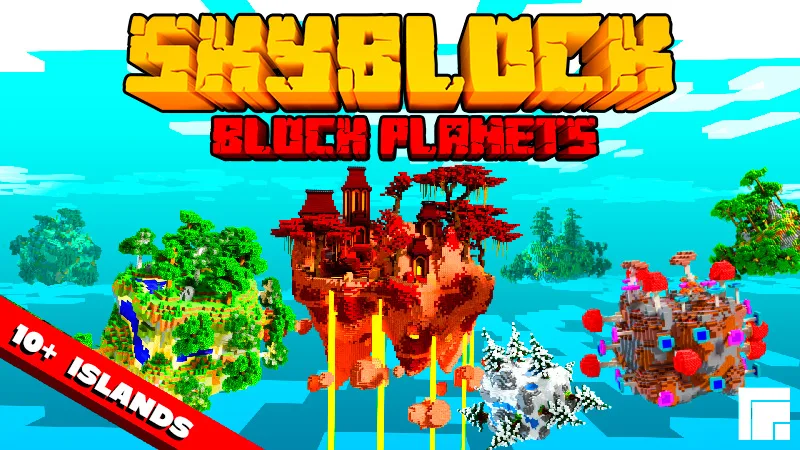
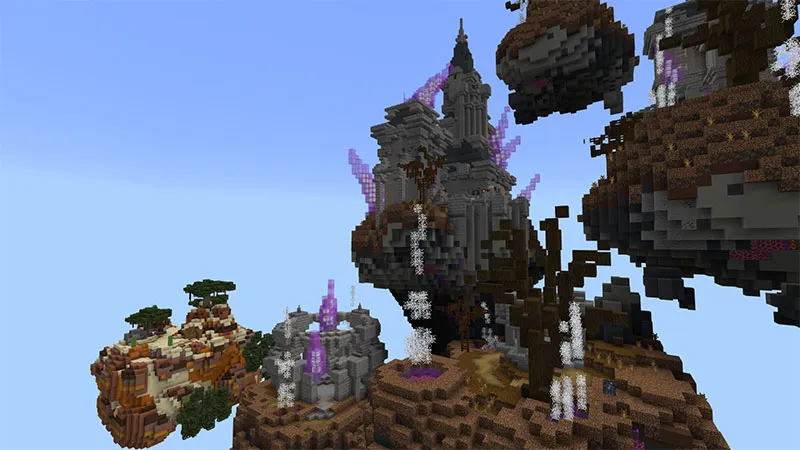
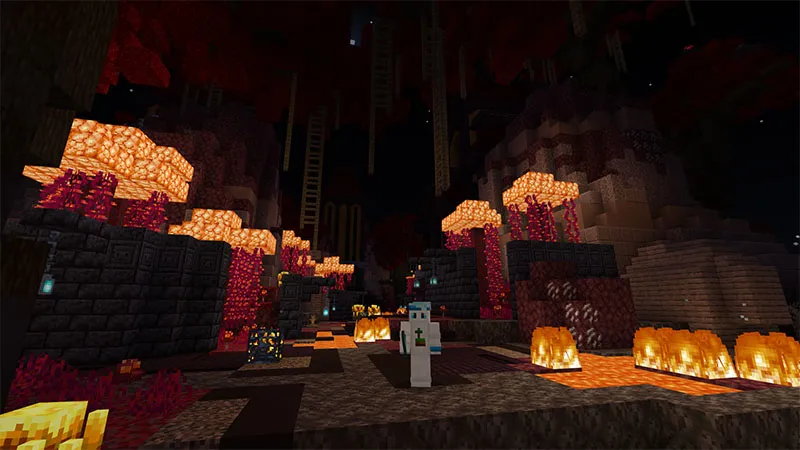
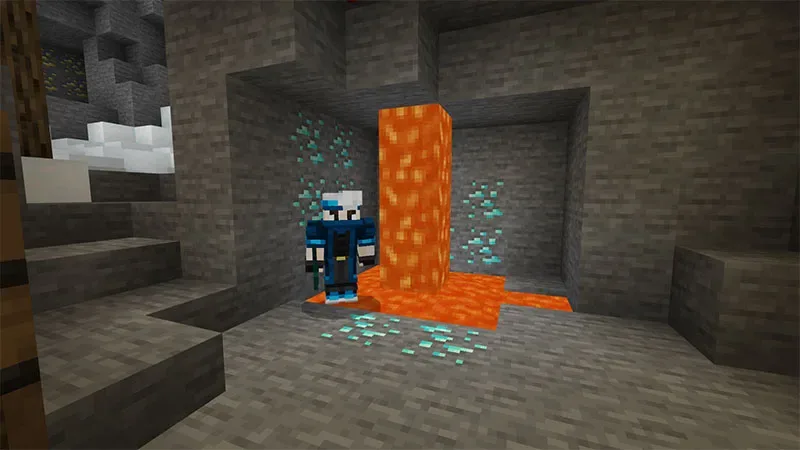
You spawn on floating cube planets, each with its own biome and its own resources. You mine the ores, gather what each planet has to offer and hop between 10+ custom worlds as you build yourself up. Along the way you collect ender eyes, and those take you to the dragon.
Is there an end goal, or does it keep going?
There is one: collecting the ender eyes and taking down the dragon, the same milestone as a normal survival world. Once it is done the planets are still there to keep building on, so nothing forces you to stop.
Is this a world or an add-on?
It is a world. You download it and play on it as its own map, so it does not go into a world you already have. An add-on goes into your world, a world does not. The world itself is empty apart from the planets we built, so everything you see is part of the map. You will need Minecraft Bedrock 1.16 or later.
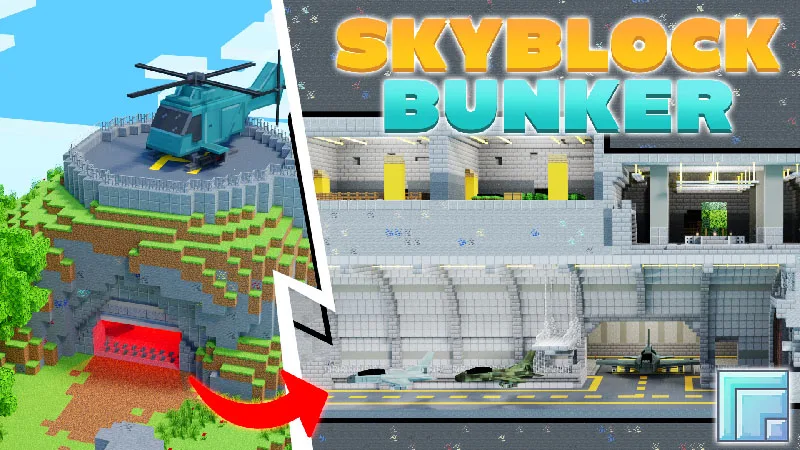
Skyblock Block Planets or Skyblock Bunker, which one should I pick?
Both are skyblock worlds floating over the void, but they set you up differently. Block Planets scatters you across 10+ cube planets to travel between, each with its own biome, and ends with the dragon.
Skyblock Bunker gives you one equipped bunker as a home base and lets you expand out from it. Pick the planets for a journey with a goal, the bunker for a base to grow.
Can I play it with friends?
Yes, you can play on your own or with others, the same way you would share any Bedrock world. Splitting the planets between players makes the early game move a good deal faster.
Which platforms does it work on, and how do I get it?
Skyblock Block Planets is on the Minecraft Marketplace for 490 Minecoins, and works on Windows, Xbox, PlayStation, Switch, iOS and Android. It is a one-time purchase and we keep updating our worlds, so future updates are included.